

How to Choose a Virtual Card for Safer Online Shopping
I’ve had my card details stolen twice. Once from a data breach at a retailer I barely remembered shopping at, and once from what I later figured out was a sketchy subscription site. Both times were a nightmare — fraud alerts, canceled cards, disputed charges. After the second time, I started using virtual cards exclusively for online purchases. I haven’t had a single fraudulent charge since. If you’re still entering your real card number on every website you buy from, you’re taking a risk you don’t need to take. Virtual cards are one of the simplest ways to shop online without exposing your real account, and in 2026, there’s no shortage of solid options.
What Exactly Is a Virtual Card and How Does It Work?
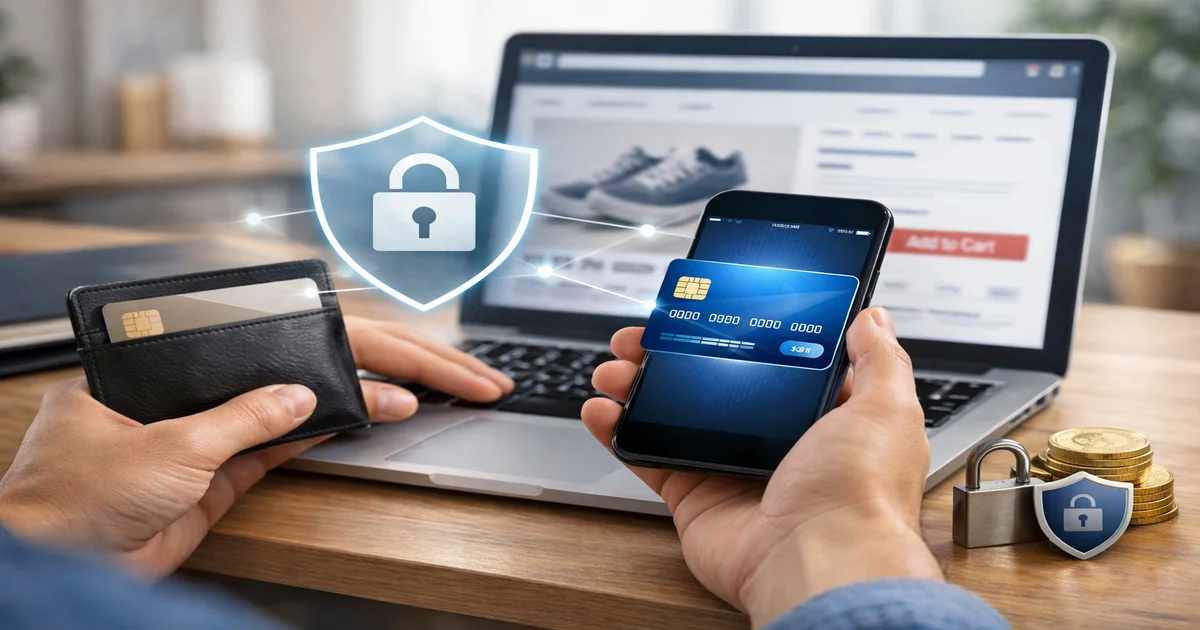
A virtual card is a randomly generated card number tied to your real account. It looks like a normal Visa or Mastercard — 16-digit number, expiration date, CVV — but it’s not your actual card.
When you use it for a purchase, the charge still comes out of your real account or credit line. But the merchant never sees your real card number. If that merchant gets hacked, the stolen number is useless to anyone.
Most virtual cards are either single-use (expire after one transaction) or merchant-locked (can only be charged by the specific merchant you assigned them to). Some let you set spending limits, expiration dates, or pause them anytime.
Are Virtual Cards Actually More Secure Than Physical Ones?
Short answer: yes, significantly. Here’s why.
Your physical card number never changes. Every time you hand it to a website, you’re trusting that site’s security team, their payment processor, and every third party in between. One breach anywhere in that chain and your number is out there.
A virtual card breaks that chain entirely. Even if a site you bought from gets compromised, the number the hackers grab is either already expired or locked to that one merchant. It’s worthless.
According to a 2025 Javelin Strategy & Research report, card-not-present fraud (the kind that happens in online transactions) accounts for over 70% of all card fraud losses in the U.S. Virtual cards directly address this. Switching to virtual cards for online purchases is one of the most effective defenses against card-not-present fraud.
What Features Should You Look for in a Virtual Card?
Not all virtual cards are built the same. Here’s what actually matters when you’re comparing options:
- Single-use vs. reusable numbers — Single-use is best for one-off purchases on unfamiliar sites. Reusable merchant-locked numbers work better for subscriptions.
- Spending limits — The ability to cap how much a card can be charged. Great for trial subscriptions where you don’t want to be auto-billed.
- Merchant locking — The card only authorizes charges from the original merchant. A stolen number can’t be used elsewhere.
- Instant creation — You want to generate a number in seconds, not wait for an email approval.
- Easy management — A clean dashboard or app where you can pause, delete, or monitor each virtual card separately.
- Integration with your existing bank or credit card — Some virtual cards are tied directly to accounts you already have, which simplifies things considerably.
Which Virtual Card Services Are Worth Using in 2026?
There are a few standout options depending on what you need.
Privacy.com is probably the most well-known dedicated virtual card service. It’s free for up to 12 cards per month, lets you set spending limits and merchant locks, and works with most U.S. bank accounts. The paid tiers (starting at $10/month) unlock more cards per month and additional features like 1% cashback. I’ve used Privacy.com personally for subscription trials and it’s saved me from being charged after I forgot to cancel more than once.
Apple Card (for iPhone users) generates a new virtual number for every transaction automatically. You don’t have to think about it — it just happens. There’s no separate app or setup required. If you’re in the Apple ecosystem, this is genuinely seamless.
Capital One Eno is a browser extension that generates virtual card numbers directly from your Capital One account. It’s free for Capital One cardholders and works right in your browser while you’re checking out.
Citi Virtual Account Numbers work similarly for Citi cardholders — you generate a number through the Citi app or website and use it at checkout. It ties back to your Citi card for billing.
American Express Go and certain Amex cards also offer virtual card numbers through their app, though availability depends on your specific card product.
The key distinction here: services like Privacy.com work with your debit account and are standalone. Bank-issued virtual cards (Capital One Eno, Citi, Amex) are tied to your existing credit card, which means you keep your rewards, credit history, and fraud protections.
Should You Use a Virtual Debit Card or a Virtual Credit Card?
This is a question most people overlook, and it matters. Virtual credit cards give you stronger fraud protection than virtual debit cards because of how chargebacks work.
With a credit card, if something goes wrong — a merchant charges you incorrectly, a product never arrives, a scam site takes your money — you can dispute the charge. The credit card company investigates and typically reverses the charge while the dispute is resolved. You’re not out of pocket during that process.
With a debit card, the money is already gone from your bank account. Disputes take longer, and you may not get the money back as quickly. The FDIC protection rules for debit fraud are also less consumer-friendly than the Fair Credit Billing Act protections for credit cards.
My recommendation: if you have a credit card with virtual card capabilities, use that. If you don’t, Privacy.com (which links to a debit account) is still far safer than using your real card number directly.
How Do Virtual Cards Handle Subscriptions and Recurring Billing?
This is where you need to pay attention. Single-use virtual cards don’t work well for subscriptions — the card expires after the first charge, and your subscription will fail on the next billing cycle.
For subscriptions, you want a merchant-locked reusable virtual card with an optional spending cap. Here’s how I handle it personally:
- Create a new virtual card specifically for the subscription service (e.g., one card just for Netflix, one for Spotify).
- Set a monthly spending limit slightly above the subscription cost.
- If I want to cancel, I just delete or pause the virtual card. No need to call customer service, no risk of being charged after canceling.
Privacy.com and Capital One Eno both handle this use case well. The merchant-lock feature means even if that virtual number is somehow compromised, it can only be used by the original merchant.
What Are the Downsides of Virtual Cards?
Honestly, there aren’t many — but they exist. Some merchants, especially for hotel or car rental bookings, require the physical card to be present at pickup. Virtual cards don’t work there.
International purchases can sometimes be tricky depending on the service. Privacy.com, for example, doesn’t support international merchants in all cases.
Returns can also get slightly more complicated. If you return a physical item, the refund usually goes back to the virtual card number. Most services handle this fine, but it’s worth checking.
And if you use a lot of subscriptions across different services, managing a separate virtual card for each one can get tedious. That said, most dashboards (Privacy.com especially) make it fairly manageable once you’re set up.
How to Actually Get Started With a Virtual Card Today
Getting set up takes less than 10 minutes. Here’s the fastest path depending on your situation:
- You have a Capital One card → Install the Eno browser extension. Done.
- You have a Citi card → Log into your Citi account, navigate to “Citi Virtual Account Numbers” and generate one before your next purchase.
- You have an Apple Card → It already generates virtual numbers per transaction. Nothing to set up.
- You want a standalone option for any debit account → Sign up for Privacy.com, link your bank account, and start creating cards.
- You want maximum rewards + virtual card security → Look at Capital One Venture X or the Citi Double Cash — both offer virtual card features and strong rewards programs.
The best virtual card is the one you’ll actually use consistently — pick one that fits your existing setup.
Conclusion
Virtual cards aren’t just a nice-to-have anymore. With card-not-present fraud growing every year and data breaches hitting retailers, airlines, and subscription services constantly, using your real card number for online purchases is an unnecessary risk.
My honest take: start with whatever your current bank or credit card already offers. Capital One Eno and Citi Virtual Account Numbers are free, take minutes to set up, and keep your rewards and protections intact. If you want more control — spending limits, merchant locks, easy subscription management — Privacy.com is worth the free tier at minimum.
The friction of creating a virtual card before checkout is maybe 30 extra seconds. The friction of dealing with fraud is days of your life. That math is pretty easy. Set up at least one virtual card option this week and use it for every online purchase going forward.
Frequently Asked Questions
Do virtual cards affect your credit score?
No. Virtual cards are just alternate numbers tied to your existing account. Using them doesn’t create a new credit inquiry or change your credit utilization differently than normal card use.Can I use a virtual card on Amazon or other major retailers?
Yes. Amazon, eBay, Walmart, and most major online retailers accept virtual Visa and Mastercard numbers without any issues.What happens to a virtual card if I dispute a charge?
The dispute process works the same as with a physical card. The charge is tied to your real account, so your bank or credit card issuer handles the dispute normally.Is Privacy.com safe to link to my bank account?
Privacy.com uses bank-level encryption and read-only access to verify your account. It’s been operating since 2014 and is widely used. That said, always review the permissions before linking any financial account to a third-party service.Can merchants tell I’m using a virtual card?
No. The virtual card number looks identical to a regular card number. Merchants have no way to distinguish it from a physical card during checkout.
